Build your wishlist in seconds
The EasyRegistry app puts your gift registry in your pocket. Scan a barcode in-store, paste a link, or share a product from any shopping app, and it lands on your list with the title, image, and price filled in. Then send family and friends one link.
Coming soon to the App Store and Google Play.
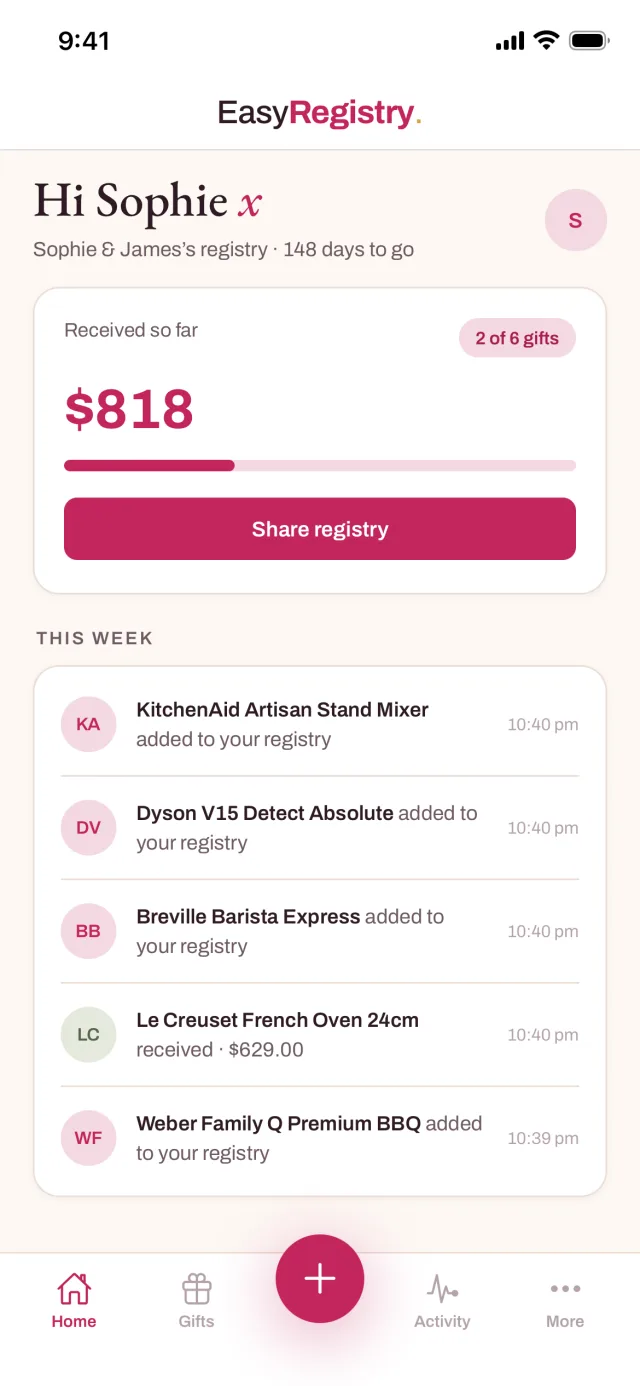
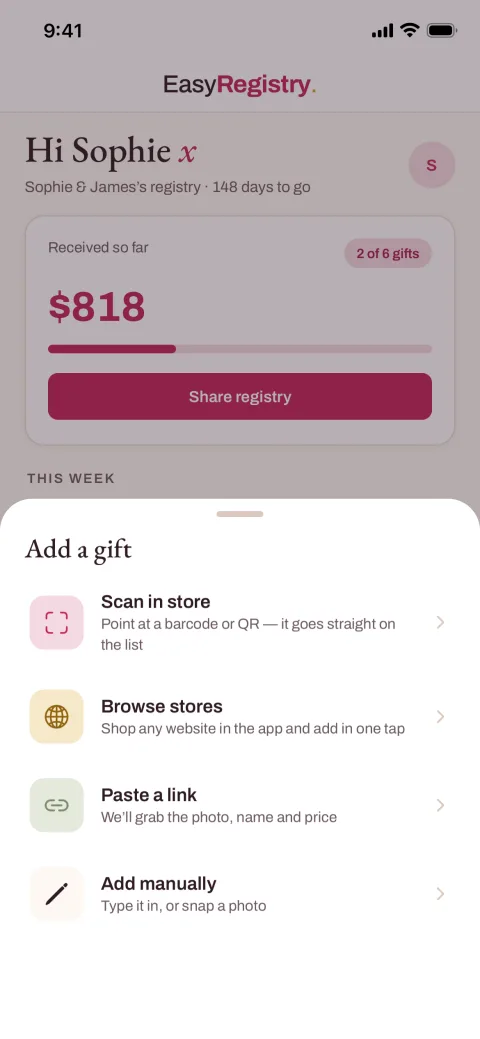
Four ways to add gifts, one list to share
However you shop, in a store with a trolley or on the couch with your phone, the app turns what you find into a registry item in a few taps.
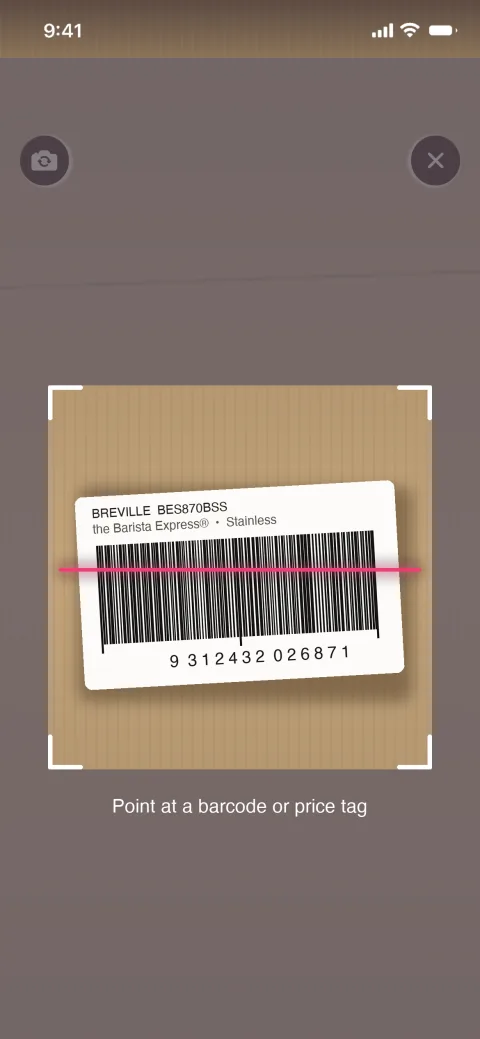
Scan a barcode in-store
Standing in the aisle with the exact pram or coffee machine in front of you? Point the built-in scanner at the barcode and the app looks the product up and adds it to your registry on the spot. Camera frames stay on your phone; only the code is sent.
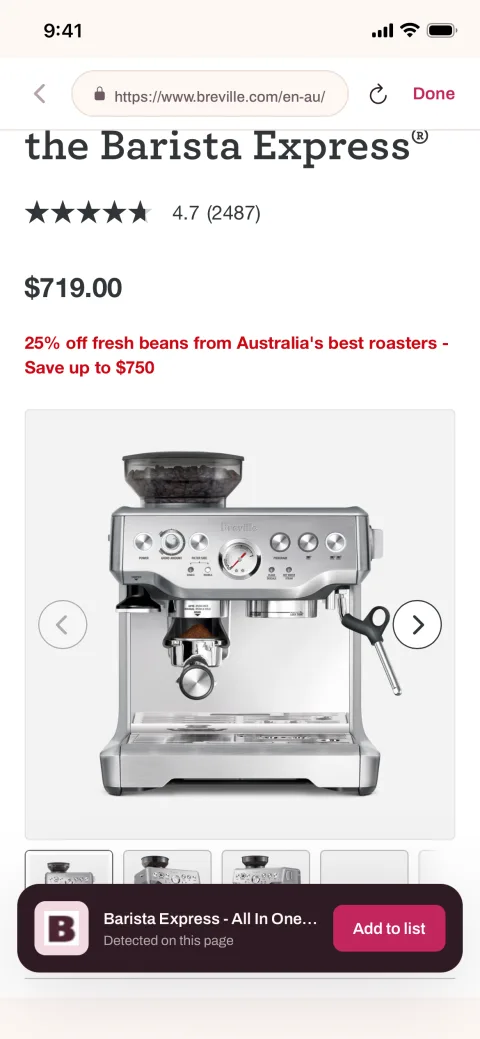
Share from any app
Found something in a store's own app or in your phone browser? Use the share sheet and pick EasyRegistry, and the product lands on your list without retyping a thing. The app spots the product on the page and offers a one-tap add.
Paste a link from anywhere
Copy a product link from any online retailer and paste it in. Our server reads the page and pulls in the title, image, and price automatically, so a link becomes a proper registry item in a couple of seconds. It works with any store that has a public product page.
Share one link with guests
Your whole registry travels as a single link. Send it by text, email, or group chat, and guests open it in any browser with no app to install and no account to create. Items show as taken once they are bought, so nobody doubles up.
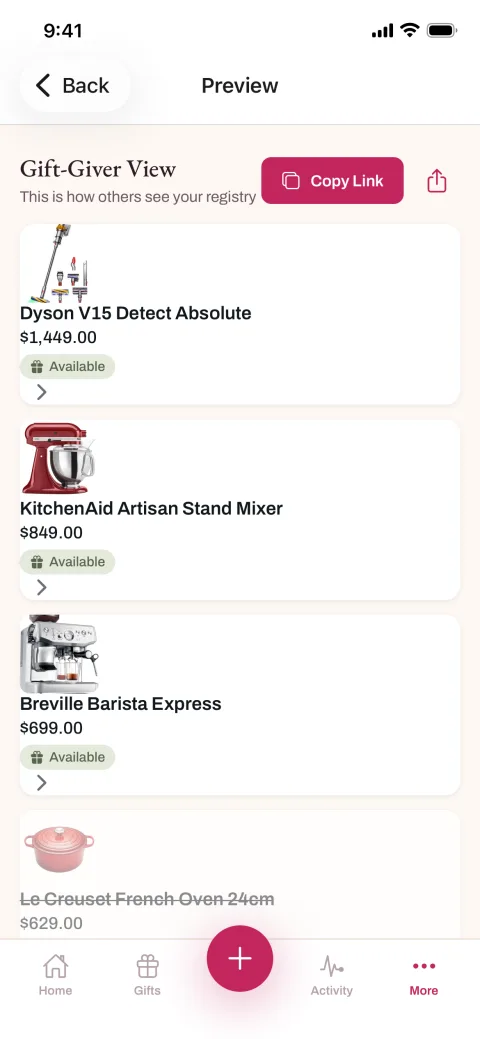
One registry, built from wherever you are
The app is the same registry you manage on the website, so everything stays in one place. Expecting parents doing the rounds of baby stores can scan as they go; if you are still deciding where to build your list, our guide to the best baby registry covers what to look for. Couples can do the same for their big day with our best wedding registry rundown.
Sharing works the same way it does on the web: one link, no guest accounts. Put it in the group chat, add it to an invitation, or print it as a scannable code with our free QR code generator. And when you are shopping at a computer instead of on your phone, our free browser extension adds gifts to the same registry from any store page in one click. Guests who are unsure what to spend can lean on our how much to give guide.
The app comes from the same small Sydney team that has run EasyRegistry since 2015, with a 4.9 out of 5 rating on Trustpilot across more than 9,900 reviews.
EasyRegistry app FAQ
Yes. The app is free to download and free to use, with no ads and no third-party data sales. It is the same free registry you get on the website, in your pocket.
No. Guests open your share link in any web browser, on any device, with no app and no account. The app is for you, the registry owner, to build and manage your list; giving stays as simple as clicking a link.
Any store with a public product page. EasyRegistry is not tied to one retailer's catalogue: scan a barcode in a physical shop, paste a link from an online store, or share a product straight from another app, local or overseas.
Yes. Sign in with the same account and the app picks up your existing registry, so anything you add from your phone appears on your registry page straight away, and anything bought shows up in the app.
No. The camera feed is processed on your phone to read the barcode, and only the resulting product code is sent to our server to look the item up. Camera access is optional and only used while the scanner is open.
More from EasyRegistry
Be first in line
Coming soon to the App Store and Google Play. Leave your email and we will send one message the day it goes live.